Egg Candling Shader
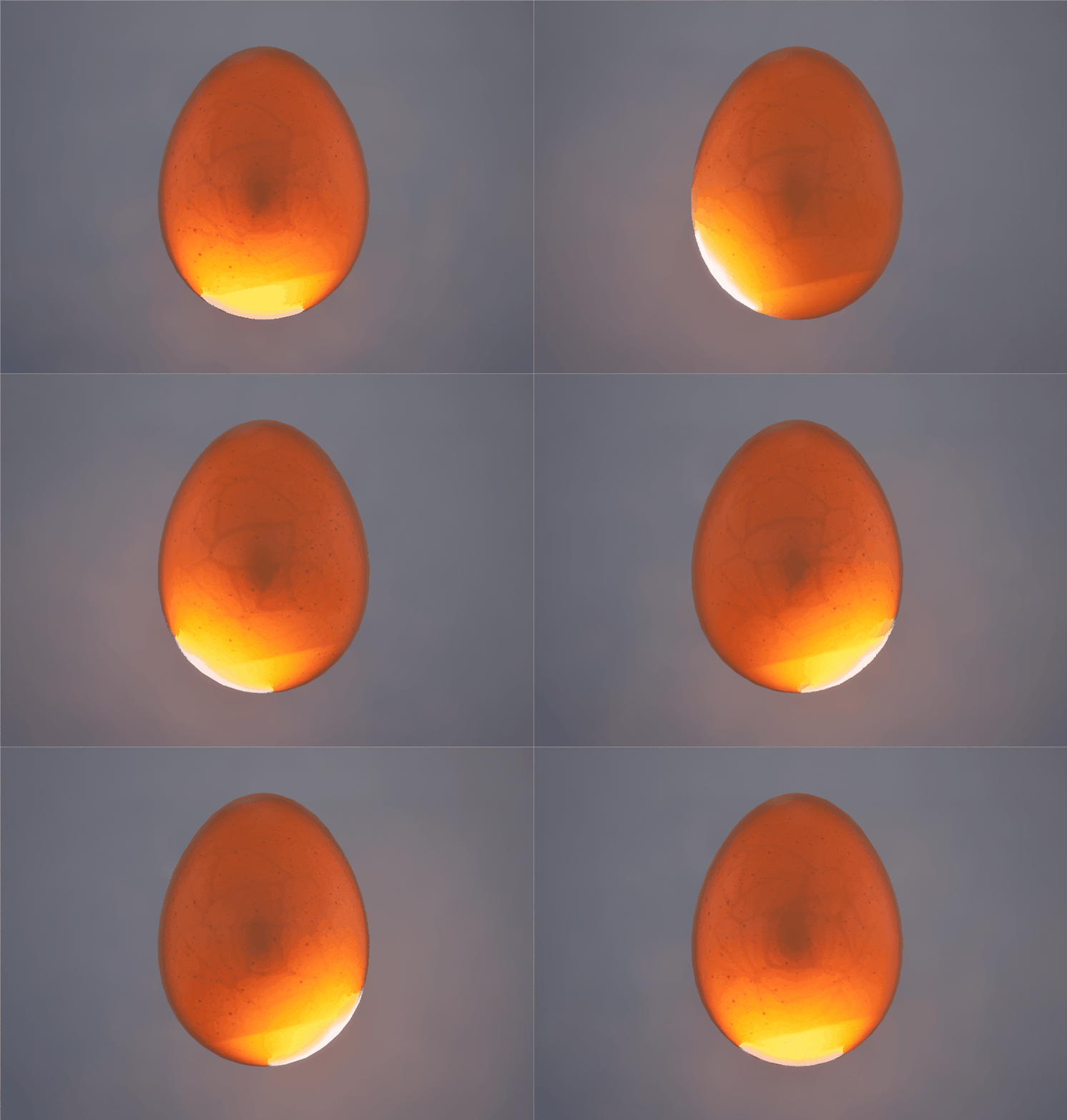
Features
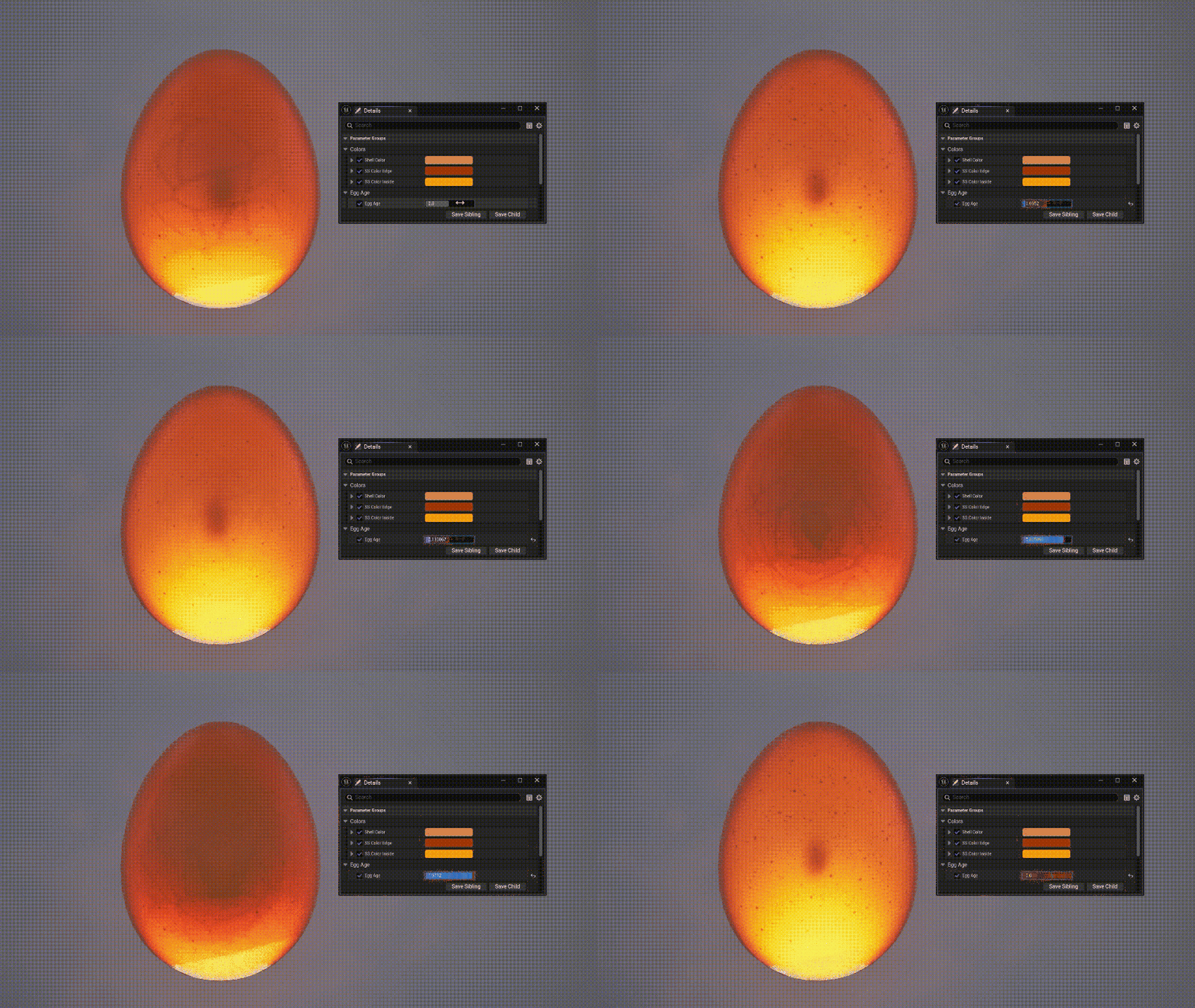
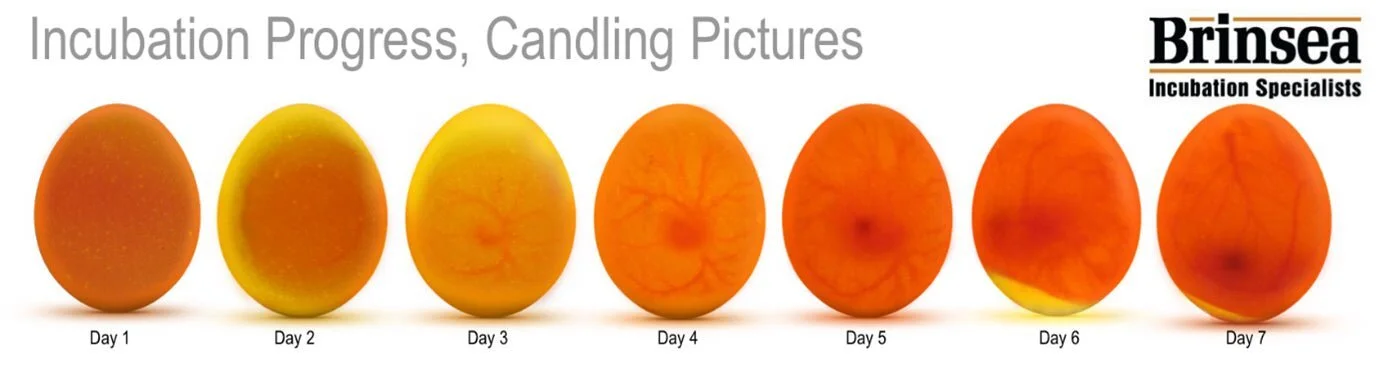
Age Parameter
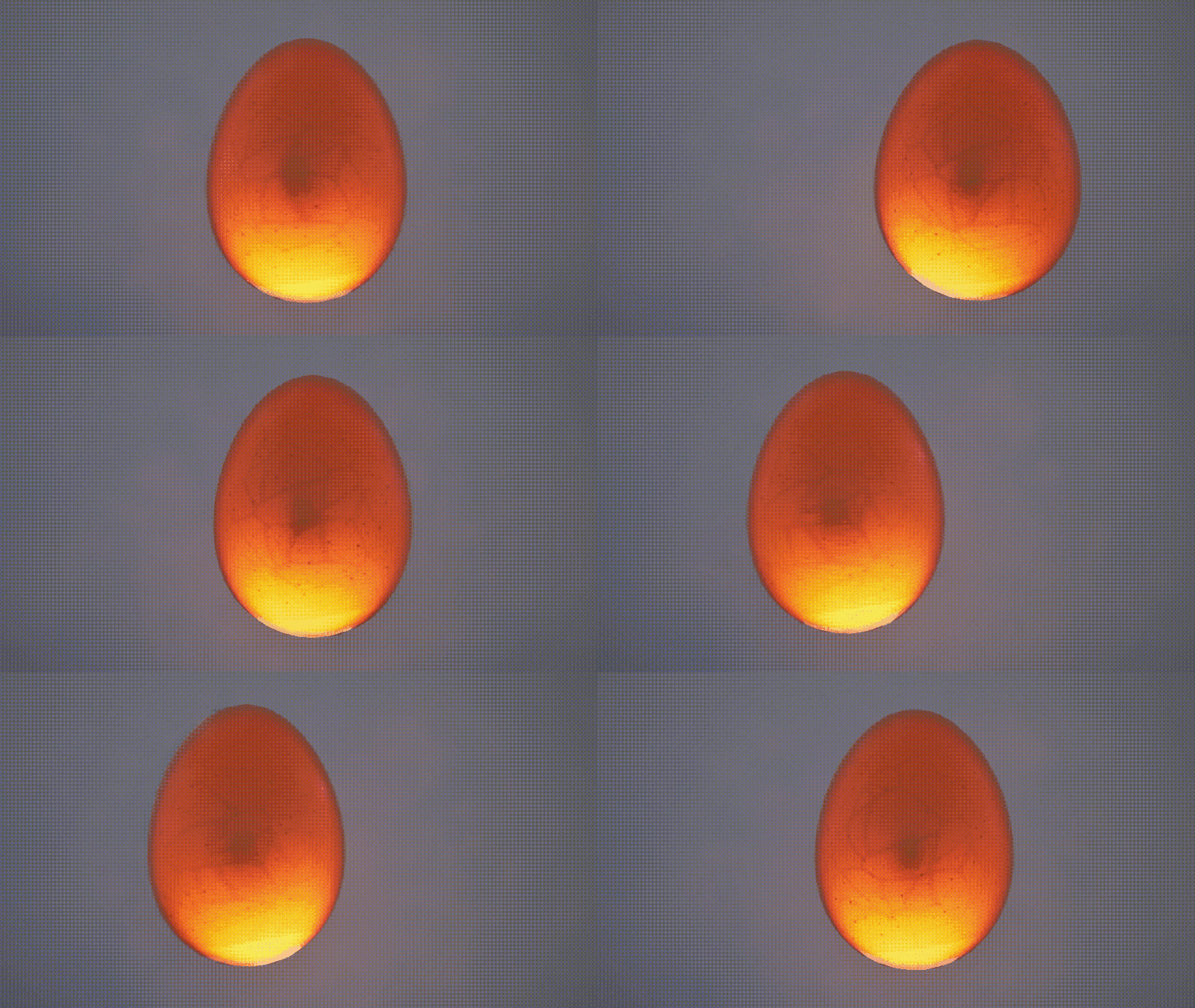
Depth via Bump Offset
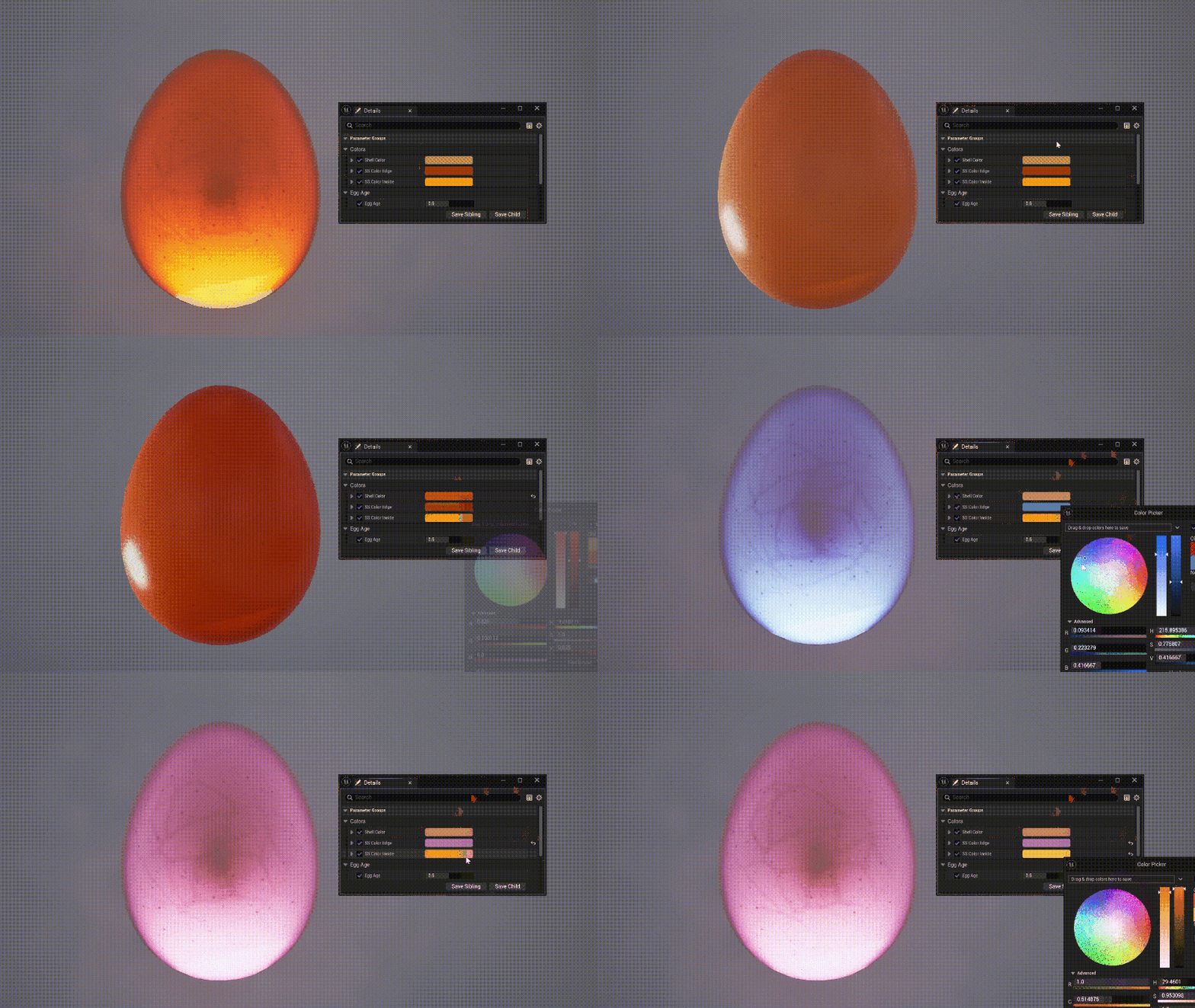
Custom Color Parameters
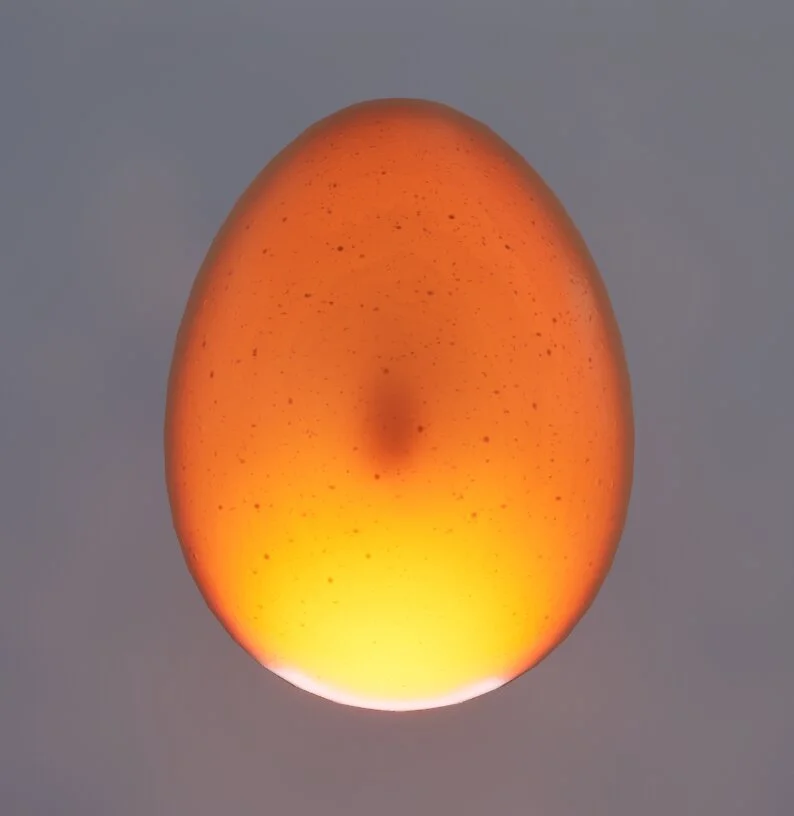
Reference
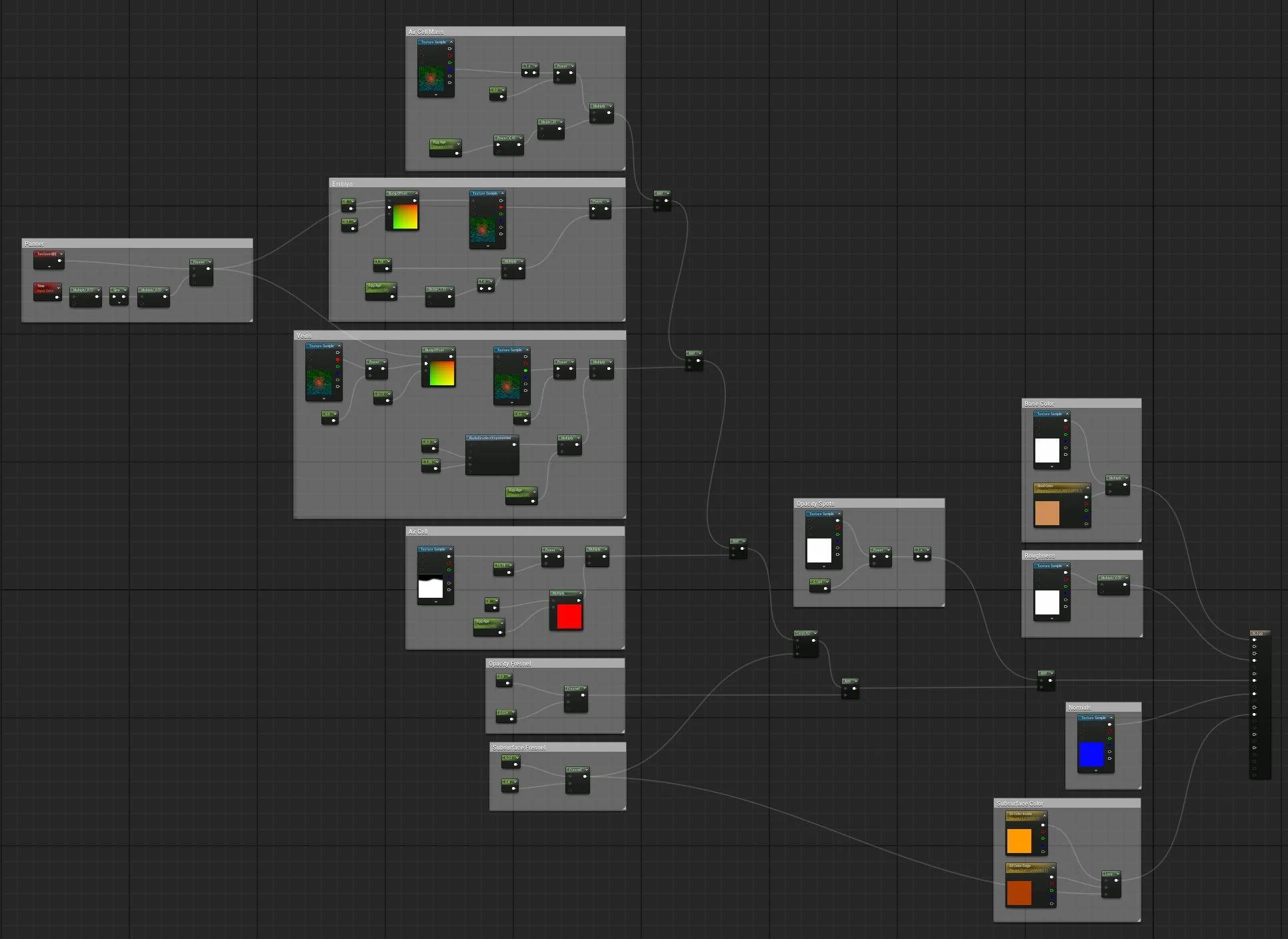
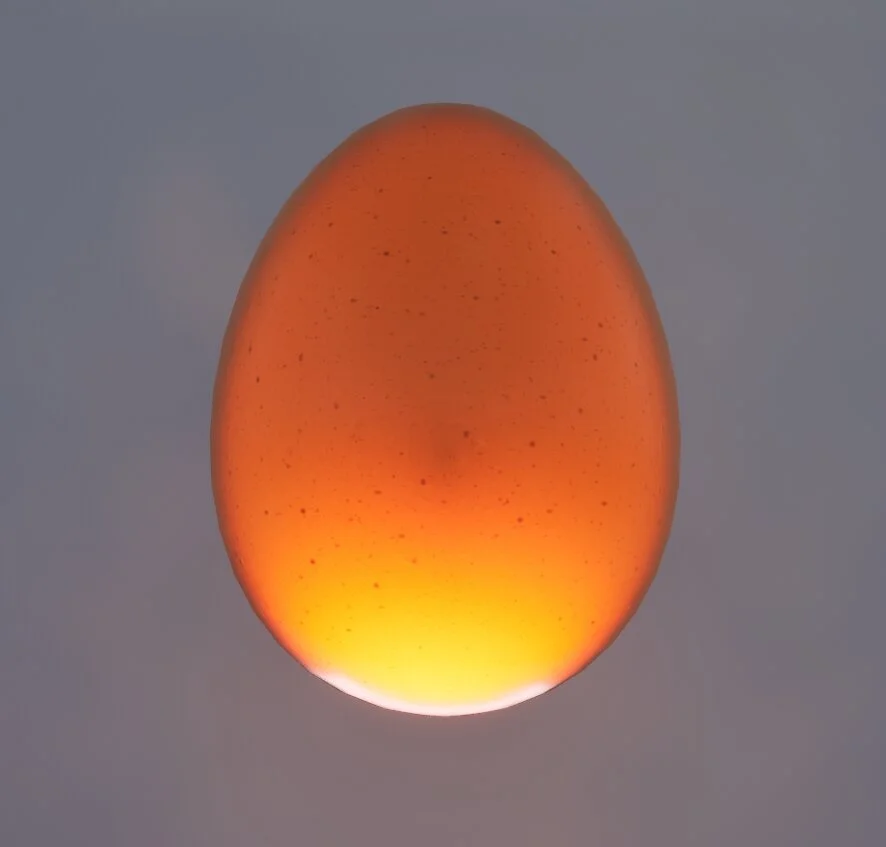
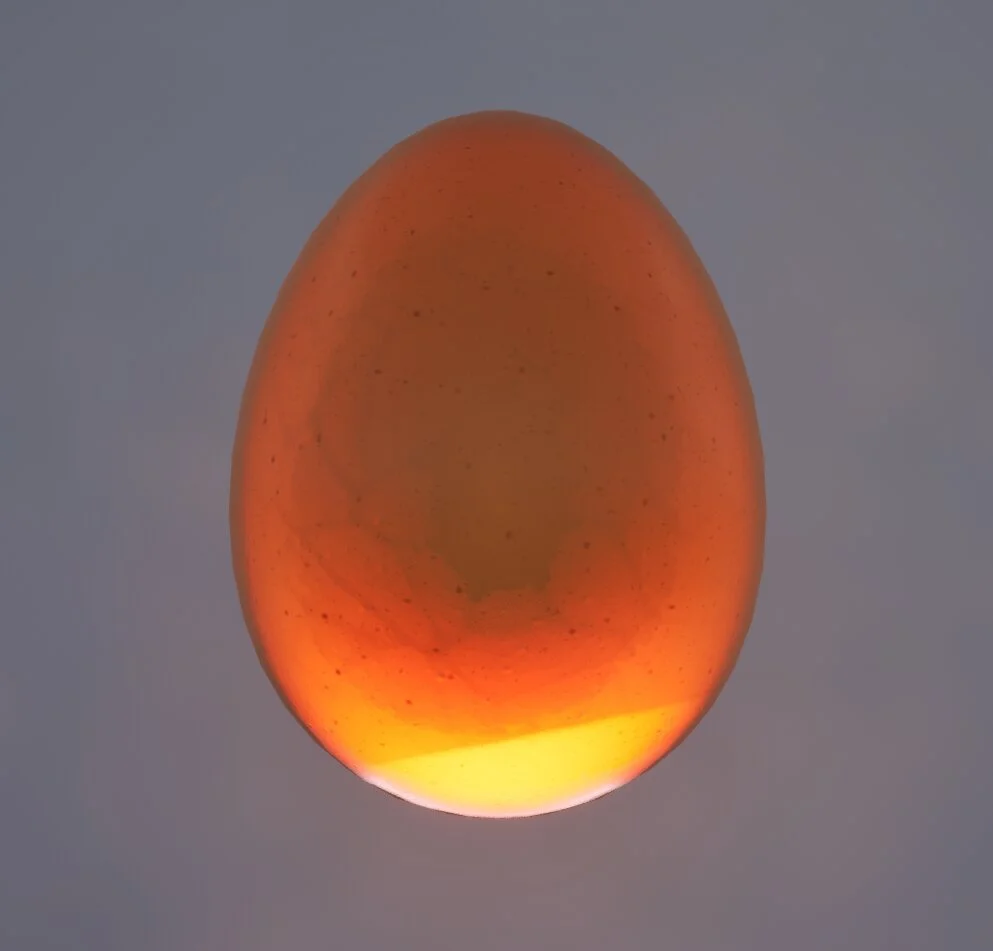
For this project, I wanted to create a material that mimics the process of egg candling, a technique used to check an incubating egg as it develops. I used the subsurface shading model as well as the bump offset node to achieve the effect.
Since the material use case is so specific, I didn't feel the need to include many customizable parameters. Instead, I focused on trying to control multiple masks using one scalar parameter multiplied by specific values for each part of the material, imitating how the egg changes as it ages.
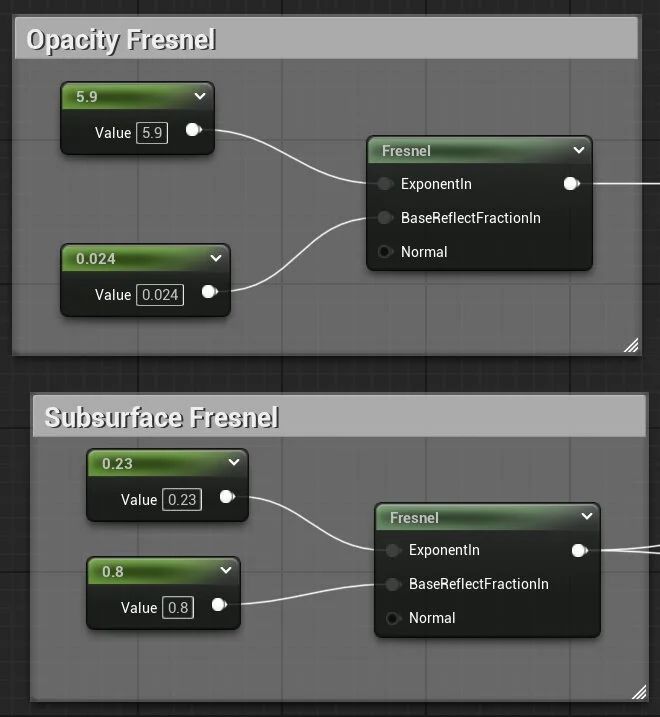
Fresnel
I set up two basic Fresnel nodes to control the opacity on the edge of the egg, as well as the subsurface colors of the egg when it's lit.
Embryo
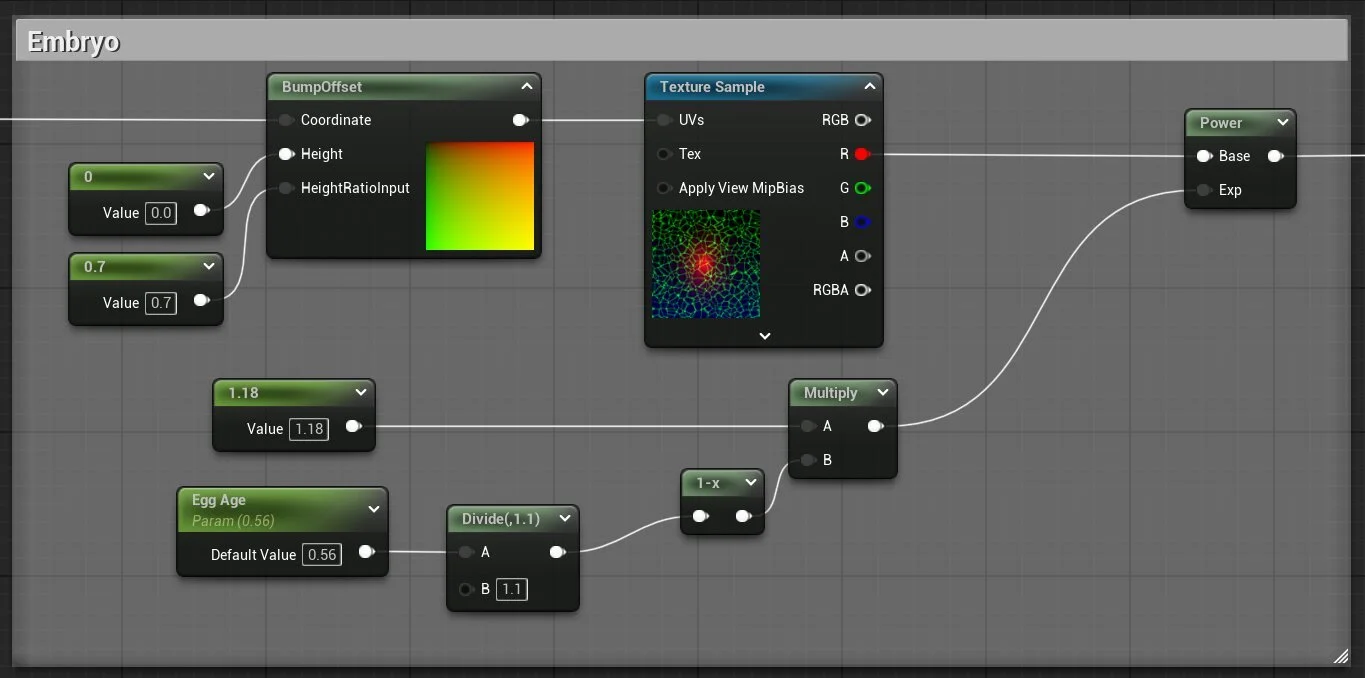
I created some masks in Substance Designer that I channel packed, one of which was the embryo. I used a BumpOffset node to make it seem like the embryo was further inside the egg.
Veins
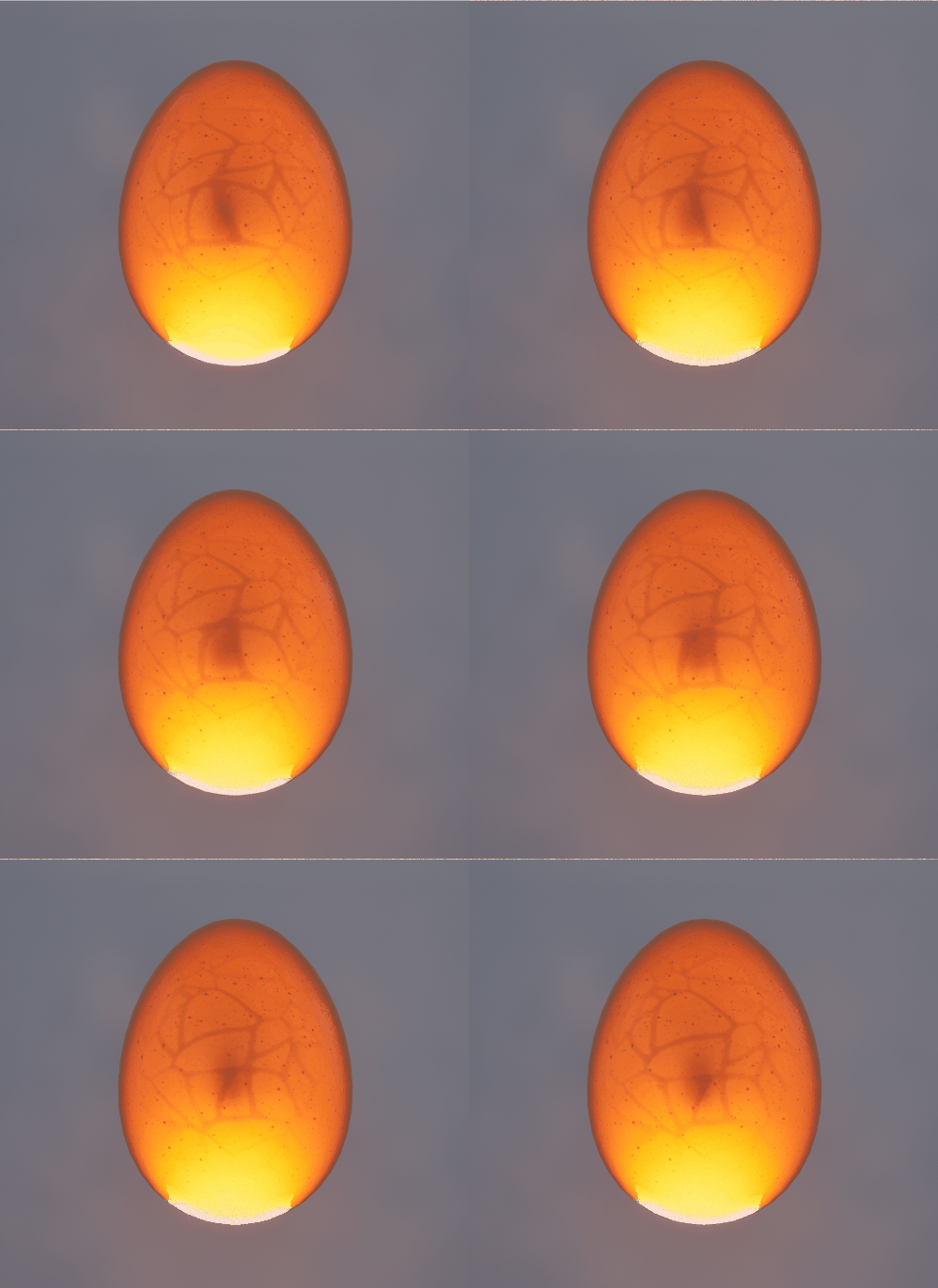
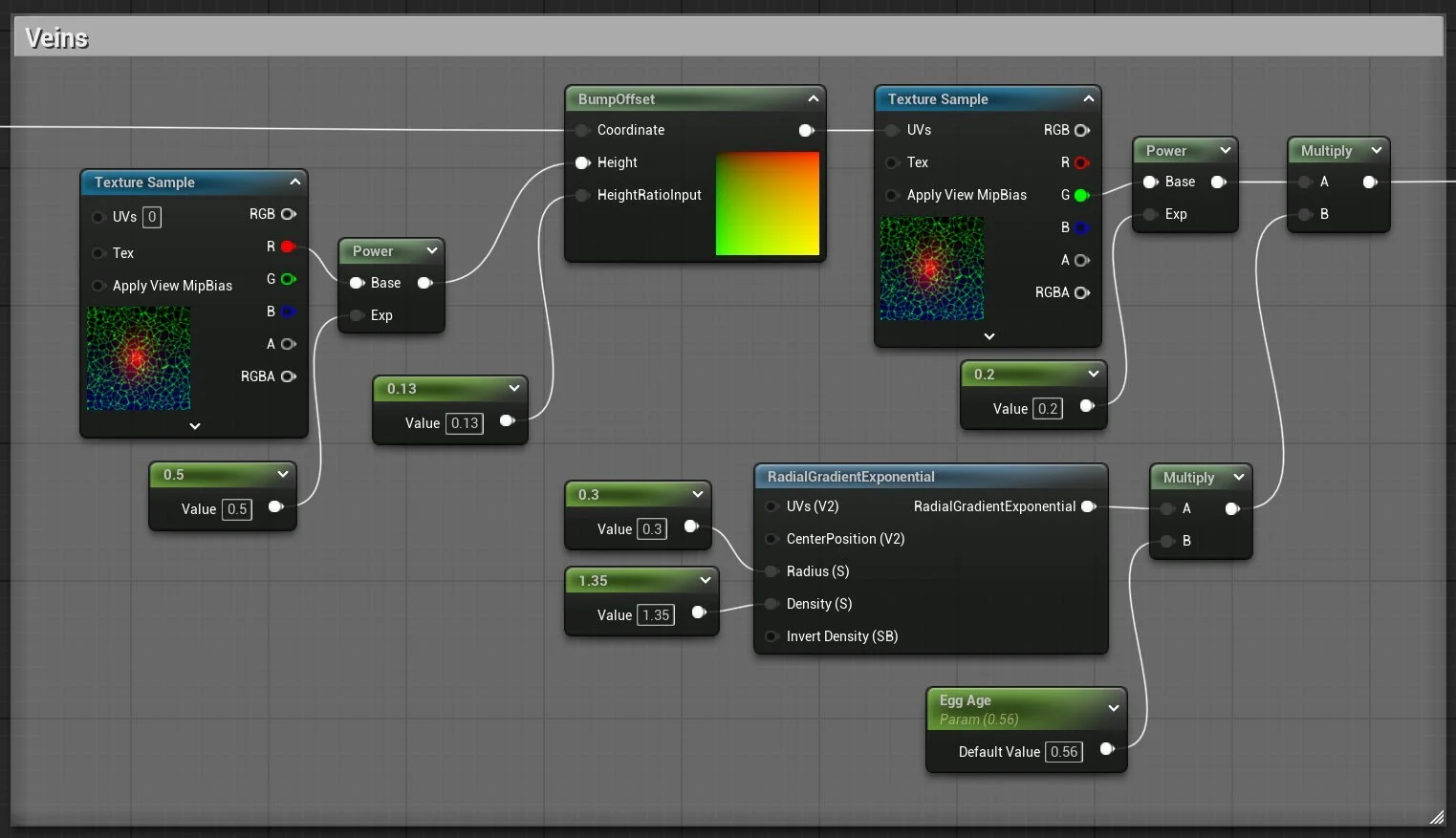
Another one of the masks was the veins, for which I used the same technique as I did for the embryo. I multiplied the mask by a radial gradient so the veins wouldn't be spreading across the whole egg.
I then took the embryo and veins masks and used a Panner node to animate them within the egg.
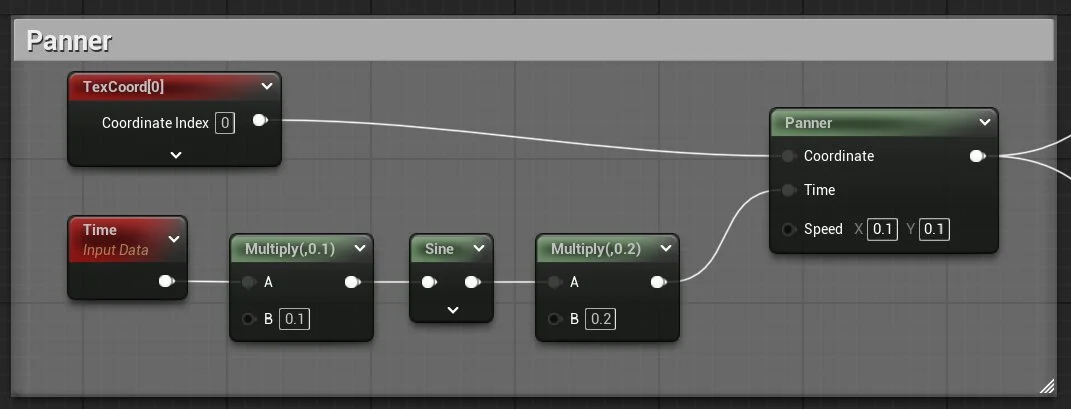
Air Cell
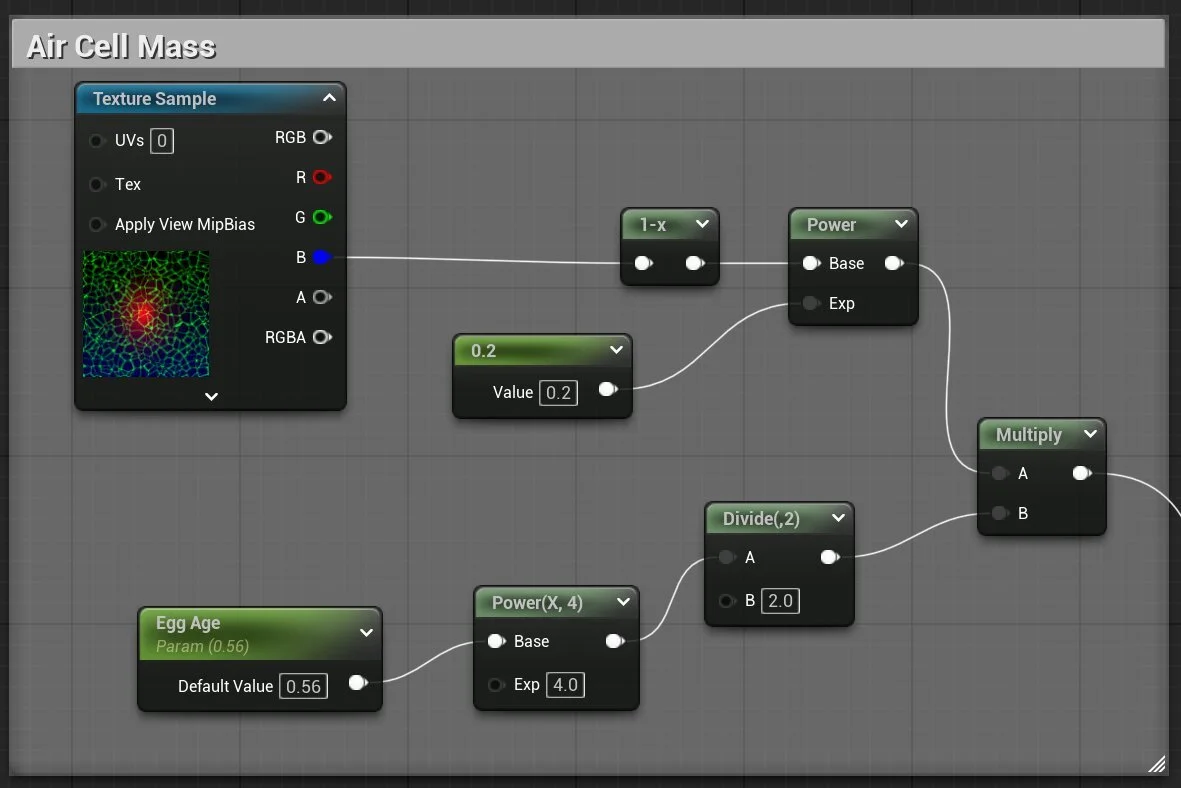
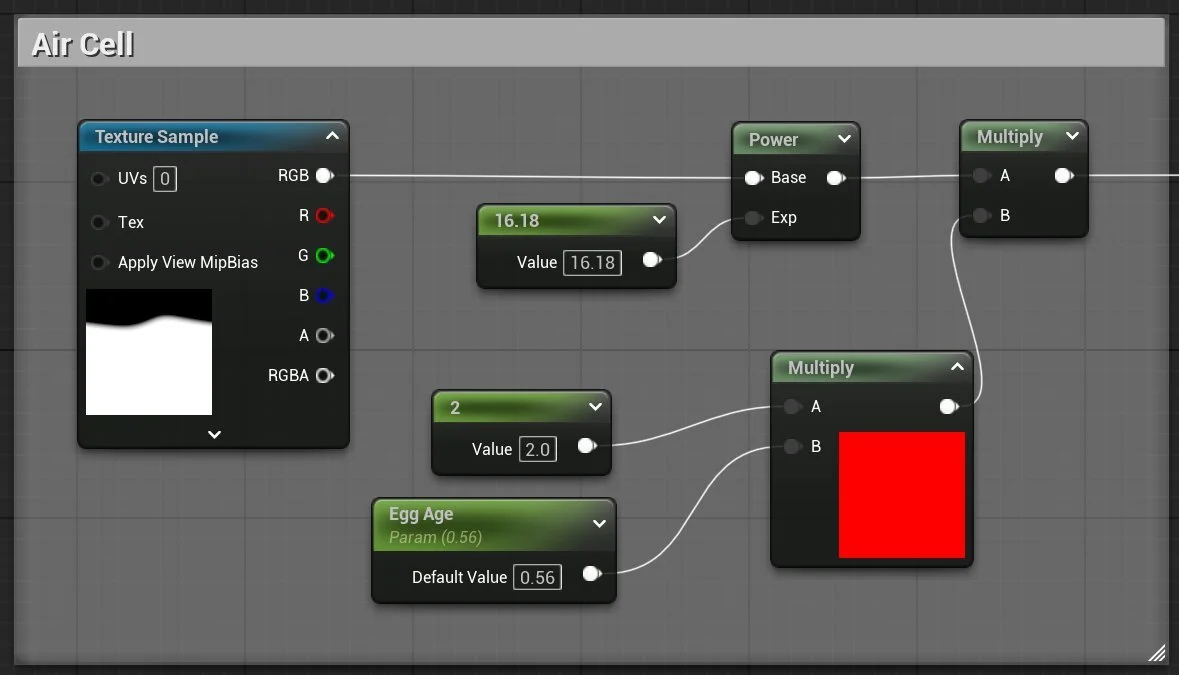
As the egg gets to later stages of development, a pocket of air forms at the bottom of the egg, called an air cell. I used another more subtle mask to first get the main mass to lessen the opacity, then added another mask that would define the area of the air cell.
Material Graph Overview