
Optimizing The Cafe
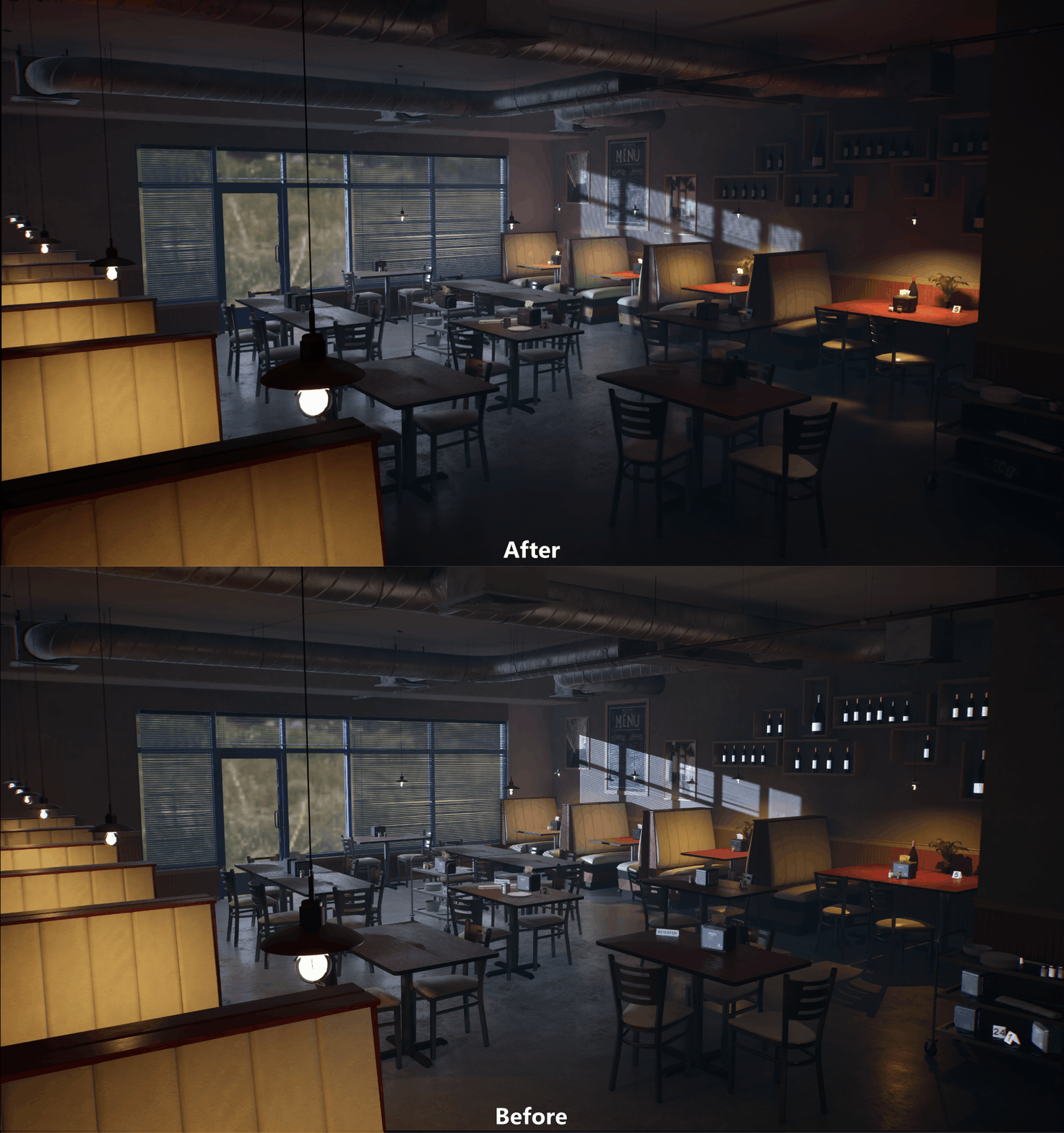
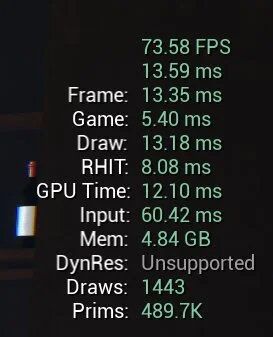
Before
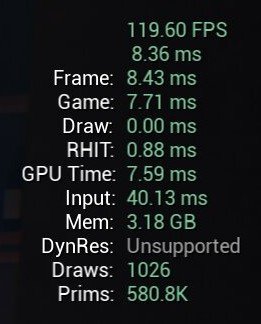
After
Lighting
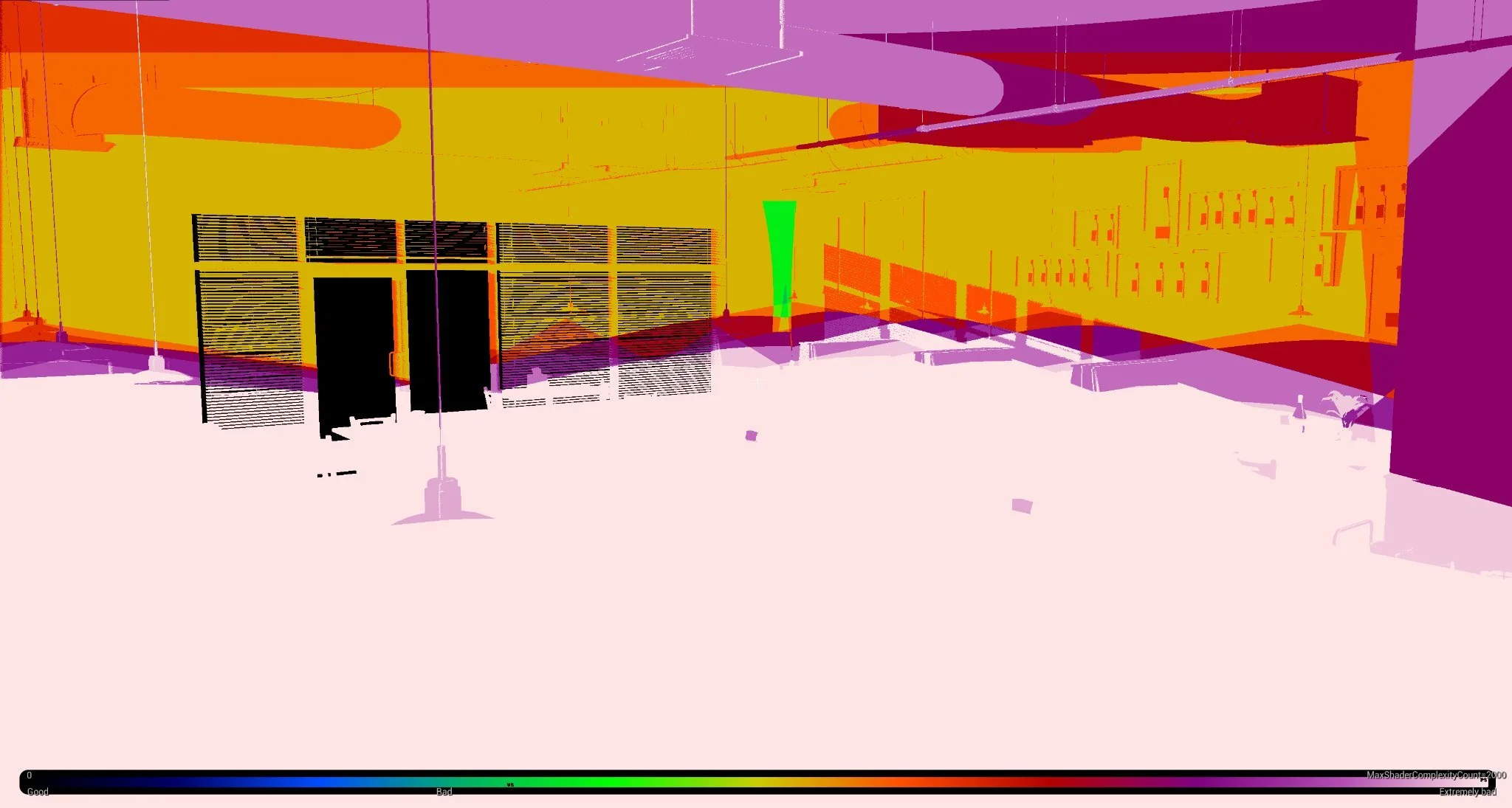
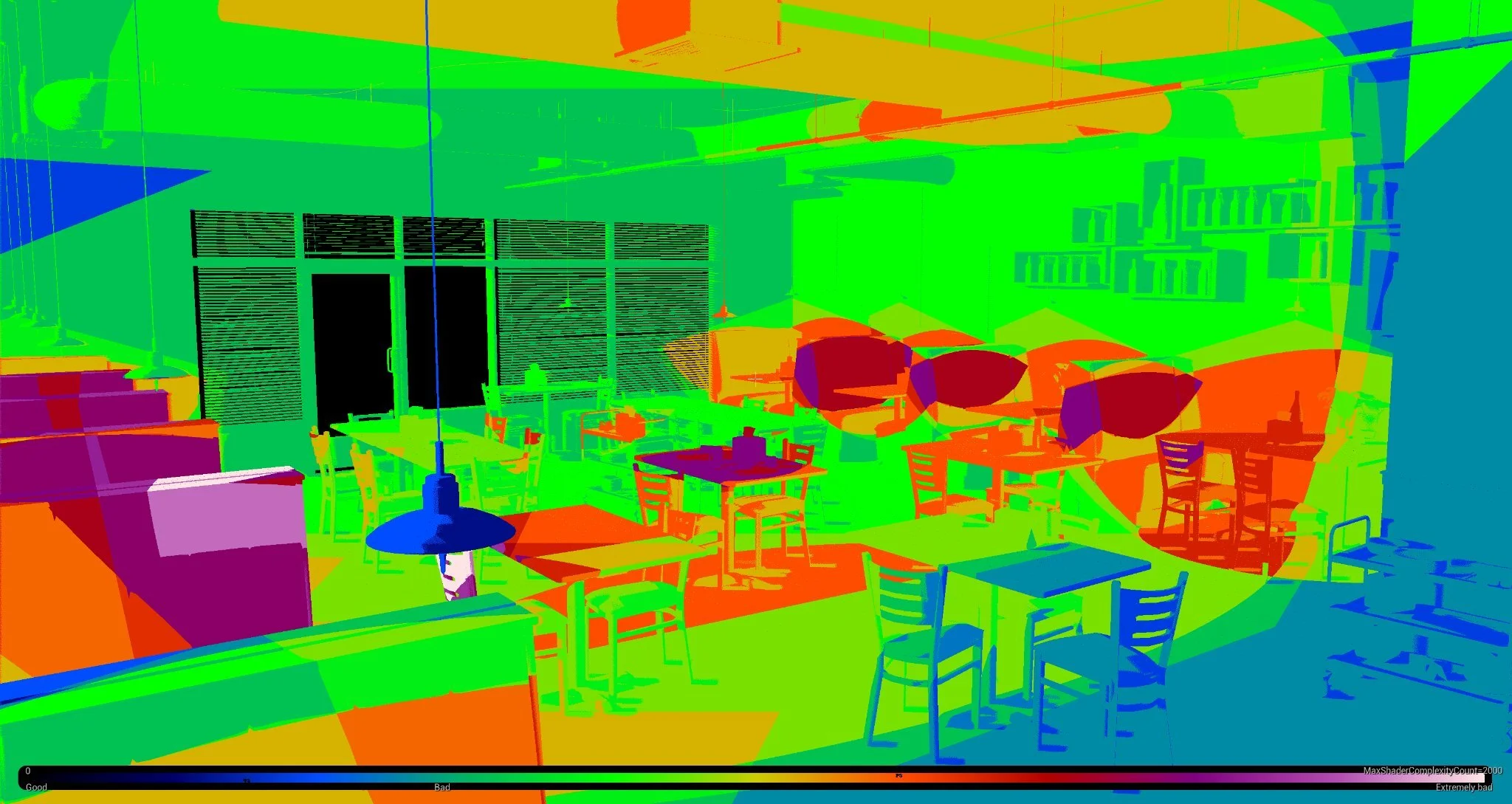
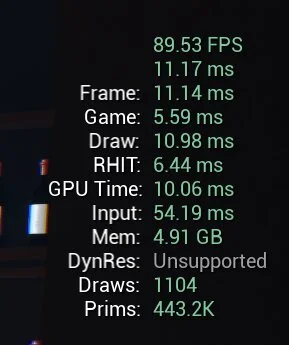
Upon doing the initial profiling for the scene, I used Stat GPU to see what was affecting performance the most. Lights were near the top of the list, so when I turned on the Light Complexity view mode, it confirmed that many of the lights were overlapping each other and dragging down the frame rate. I reduced the attenuation radius on all of the lights and deleted two lights that barely affected the scene, which increased the frame rate by 16 frames alone.
Shadow Maps
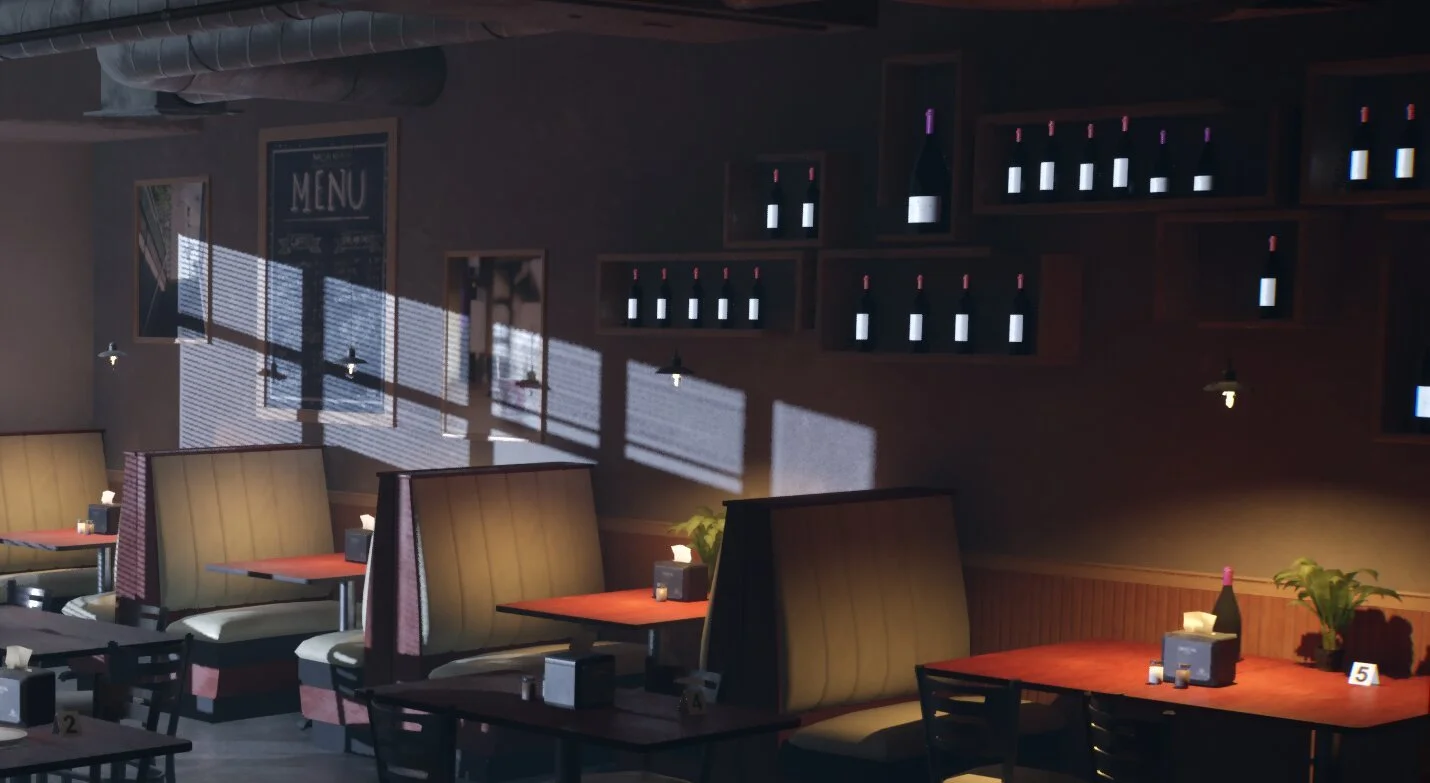
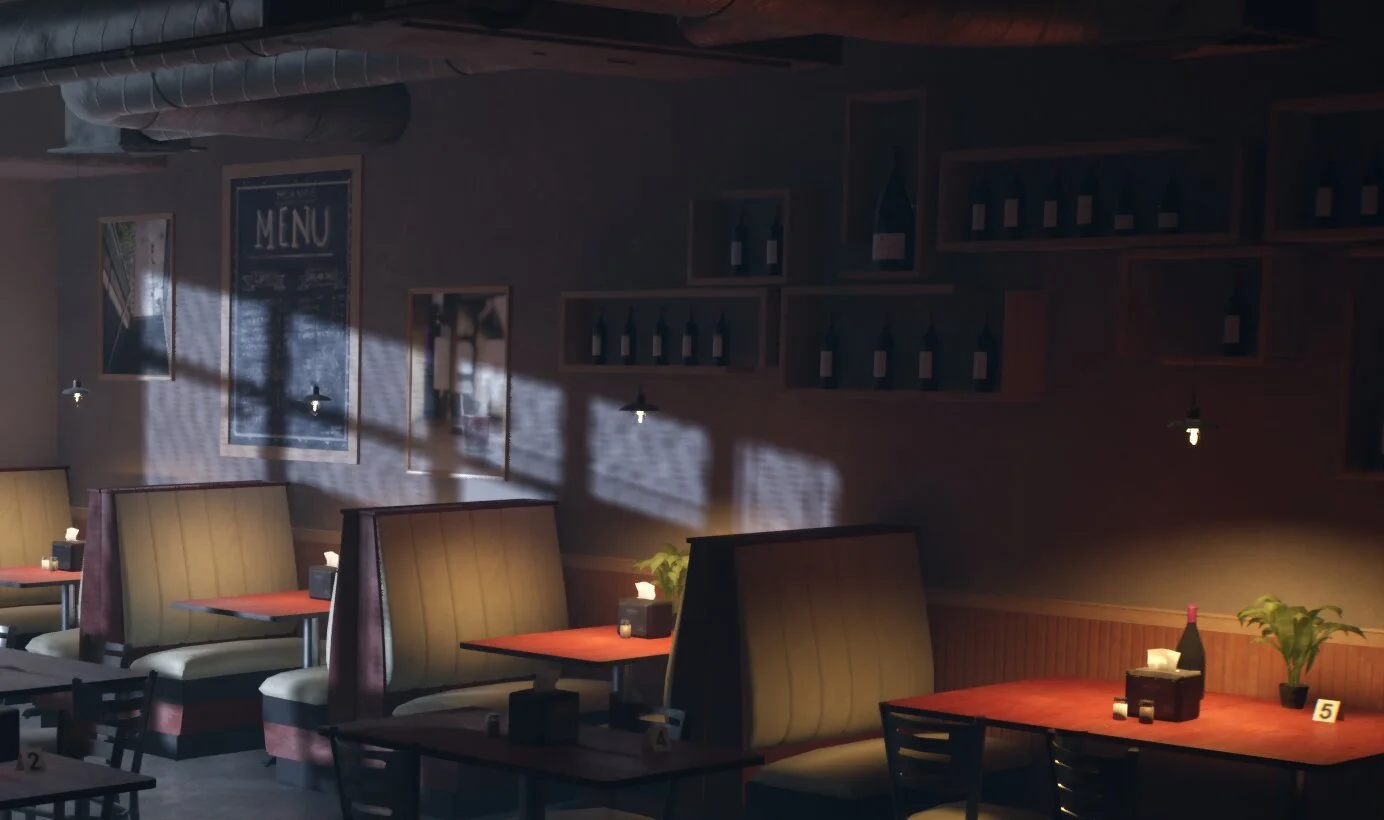
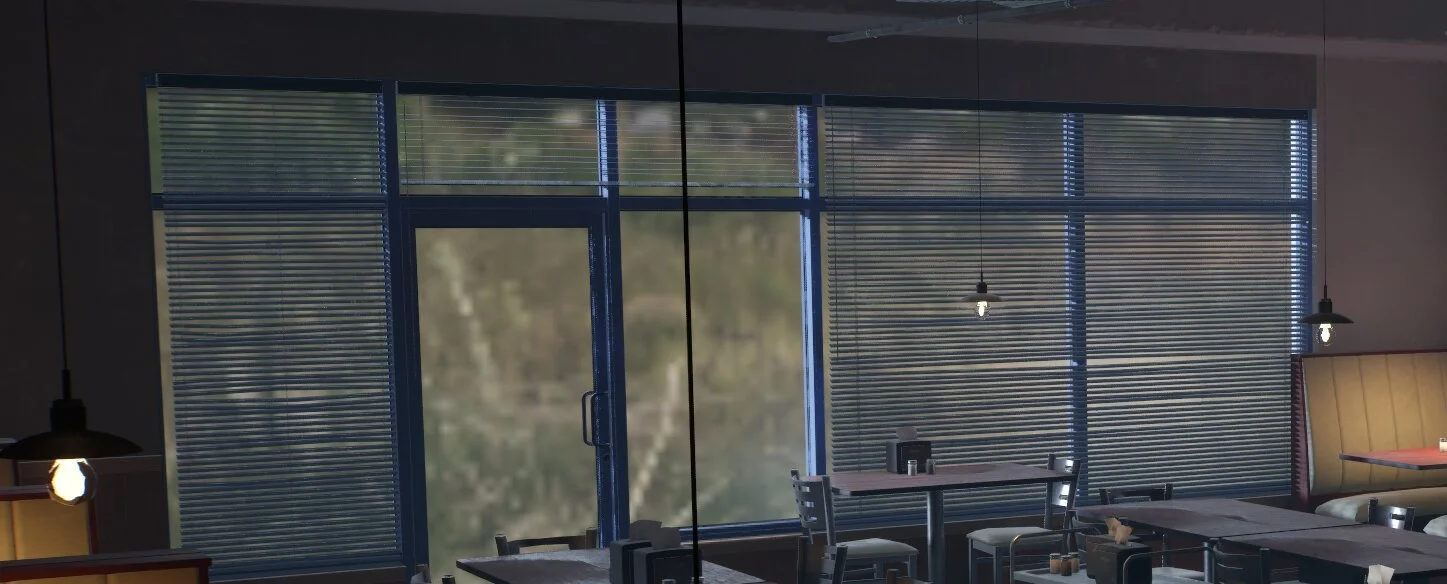
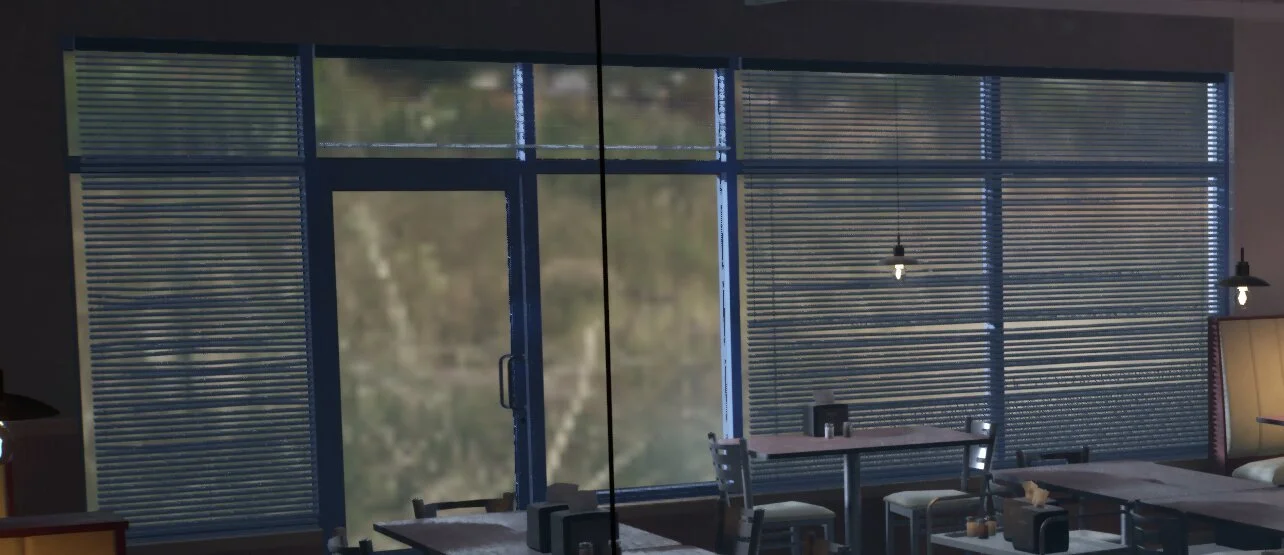
I went into the project settings and switched the shadow map method from virtual shadow maps to shadow maps, which increased the frame rate by another 3 FPS. This also fixed the unnaturally bright labels on the wine bottles and other small props. One drawback is that the shadows became less defined (especially the shadows cast by the blinds), but the effect is small enough that I thought it was worth the sacrifice.
Temporal Super Resolution
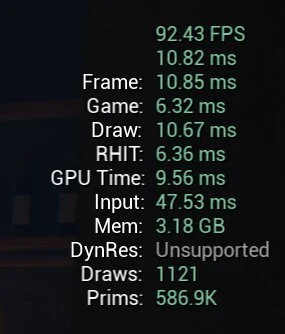
Going back to the Stat GPU list, the highest item on the list was Temporal Super Resolution, which is a temporal upscaler method that brings out finer details in the final output image. However, this was coming at a cost to the performance; when I switched from TSR to TAA (Temporal Anti-Aliasing), the FPS instantly went up from 92 to 120. It does come at a visual cost, most noticeable with the blinds, but like the shadow maps, I thought that the slight visual difference was worth the huge increase in performance.
Final Result
Below is the spreadsheet I used to keep track of my optimization process.
